


How to Add Music to a YouTube Video in 2026
To add music to a YouTube video, you can use YouTube's built-in editor for videos you've already…

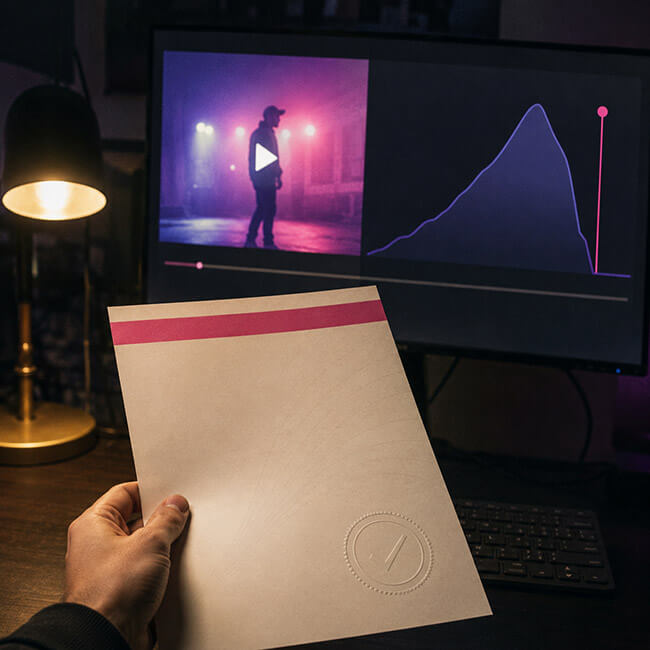
A claim can land days after upload, once the video has already done most of its numbers and the money is on the table. Every track here is licensed in your name at the moment you download it, the license document sits in your account long before anybody asks to se it, and if a claim does appear our team releases it for you.
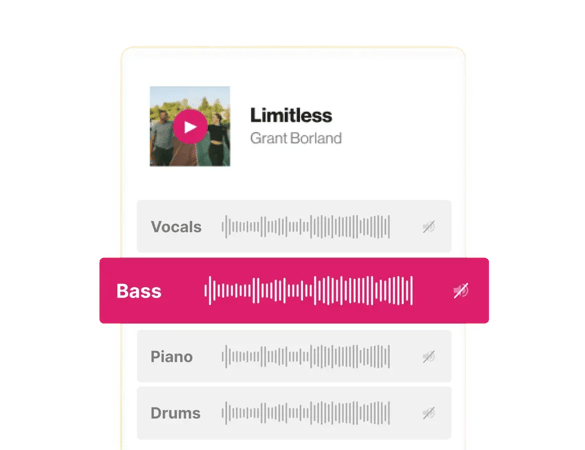
Six to give you the idea. There is lo-fi in here, cinematic, house, acoustic, hip hop, and the real catalog runs a lot deeper than six of anything, plus nearly 100K sound effects. All of it cleared for monetized uploads, Shorts and sponsor reads.
Pause
You publish on Tuesday, the video moves, and on Friday monetization switches off while somebody reviews a claim. The revenue from the best three days is gone before it resolves. That is a documentation problem, not a music problem.
Rights holders need a way to find their music across billions of uploads, so the matching runs automatically and asks questions later. That is why a correctly licensed track can still get flagged when a rights database is holding stale information. What matters is whether you can produce the paperwork that day, so every download issues a license document in your name, and if a claim lands you send us the video URL.
YouTube's Audio Library is free, built into Studio, and it works. Google's own help pages describe it as royalty-free production music and sound effects. Every other channel draws from that same shelf, so the music meant to make your channel sound like yours is what a viewer heard somewhere else this morning.
Audio Library tracks are cleared for YouTube. Cut the same video for Reels or TikTok and you are outside what you were given. A licensed track travels with the file, which is why one edit goes out on four platforms without clearing anything twice.
Licensing music for YouTube videos means getting written permission to use a specific recording from whoever controls the rights to it. For a commercial release that means two separate negotiations, one with the label that owns the recording and one with the publisher that owns the composition. That process is slow, it is expensive, and for an individual creator it is usually not available at any price.
A subscription replaces the negotiation with a license you already hold. Download a track and the license is issued with it, in your name, covering monetized uploads, sponsored segments and client work, and sitting in your account for whenever somebody asks to see it. If a subscription is more than the project needs, there is a single-use option that covers one track for one video.
Start a free account, download a track, and see the license it generates.
Copyright claims, monetization, and picking tracks that fit your channel.
To add music to a YouTube video, you can use YouTube's built-in editor for videos you've already…

The safest way to avoid a copyright strike on YouTube is to only use content you have explicit…
To get more views on YouTube, the two signals that matter most are click-through rate (CTR, whether…
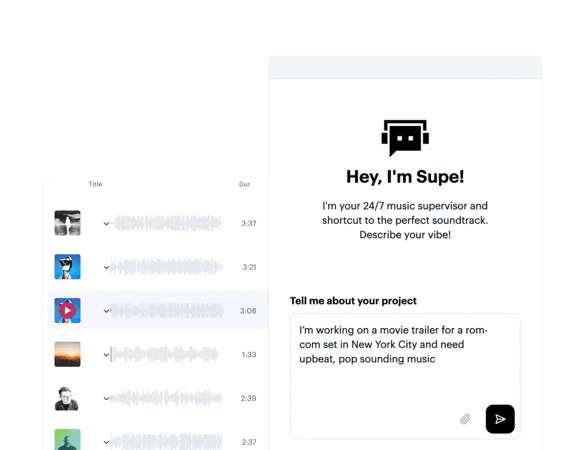
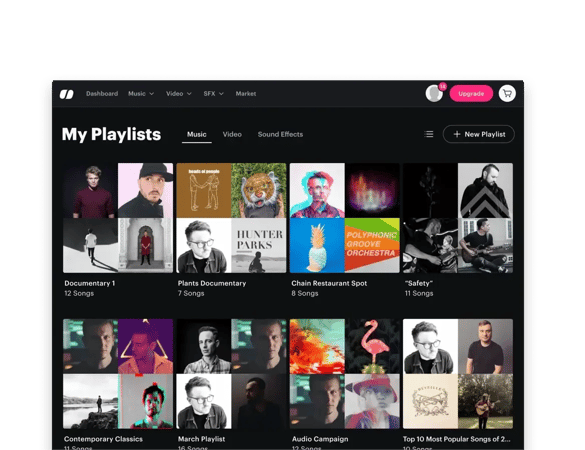
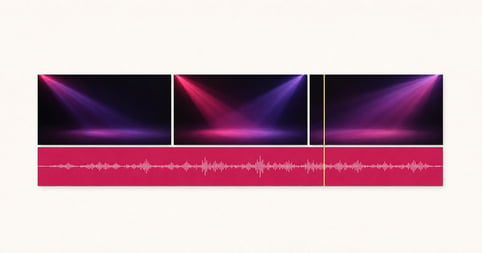
Download it from a licensing catalog rather than pulling it from inside the app. Soundstripe holds 116K tracks by real artists, and every download issues a license in your name covering monetized uploads, Shorts, livestream VODs and sponsored segments. Filter by genre, mood and tempo, or describe the video in plain words and let Supe find it. The track lands on your machine, so it is in the timeline before YouTube ever sees it.
Most start with YouTube's own Audio Library, which is free and built into Studio, and a lot of channels never need anything else. Creators tend to move to a licensing catalog when the same edit starts going out on other platforms, when a sponsor comes on board, or when they want the channel to stop sounding like every other channel. At that point the license is what changes, not the workflow.
Download a track and the license is issued with it, in your name. Licensing music for YouTube videos would normally mean getting permission from whoever controls the recording, which for a commercial release means a label and a publisher separately. A subscription replaces that negotiation with a license you already hold, and there is a single-use option if you only need one track for one video.
No. One subscription covers every video on the channel, including long-form uploads, Shorts, livestream VODs and sponsored segments. You are not buying a license per upload or working out which tier a particular video falls into. If you would rather pay per track than subscribe, a single-use license covers one track for one project.
Music you hold a license for, or music from YouTube's own Audio Library. Both are cleared, and the practical difference is reach: Audio Library tracks are cleared for YouTube, while a track you license yourself is cleared wherever you publish it. Commercial releases are not in either category, whatever the video's length or how the audio is edited.
Usually they do not, and the ones who appear to are either operating under a claim they have accepted or working with a license you cannot see. When a rights holder claims a video, the common outcome is that ad revenue is redirected to them rather than the video being taken down, so the channel keeps the views and loses the income. That looks like getting away with it from the outside.
There is no 30 second rule. It is a persistent myth that using under thirty seconds of a song counts as fair use, and Content ID matches short excerpts routinely. Fair use is a legal defence decided case by case, not a length you can stay under. If you need the music to be safe, the reliable route is a track you hold a license for.
Yes. Brand deals, sponsor reads and fully sponsored videos are commercial use, and commercial use is included, so there is nothing extra to buy when a sponsor comes on board and no need to swap the music for part of the video. Campaigns that need broadcast or out-of-home terms are quoted separately by our team.
Join creators who score their work with Soundstripe.